








Генератор
История
Генератор планов AI
Инструмент изменения
Модель
Базовый
Переключить
Комнаты
спальня
-
2
+
ванная комната
-
1
+
Кухня
открытая
закрытая
Общая площадь
Единица Metric
 имперский
Metric имперскийОбласть
< 50㎡
50-80㎡
80-100㎡
100-120㎡
120-150㎡
> 150㎡
Дополнительные возможности
встроенный гардероб
п прачечная
хранилище
помещение для бытовых нужд
домашний офис
гараж
кладовка
совмещенная гостиная и столовая
балкон

Design Your Dream Home with Our AI Custom Floor Plan Builder
Unlock rapid home design with Ideal House’s AI Floor Plan Generator. Quickly create precise 2D floor plans tailored to your exact needs. Our advanced AI floor plan maker transforms your ideas into professional layouts in seconds, making it the ultimate custom floor plan builder for homeowners, real estate professionals, and designers alike. From initial concepts to detailed architectural drawings, effortlessly plan every room with intuitive controls and intelligent suggestions.
Generate My Floor Plan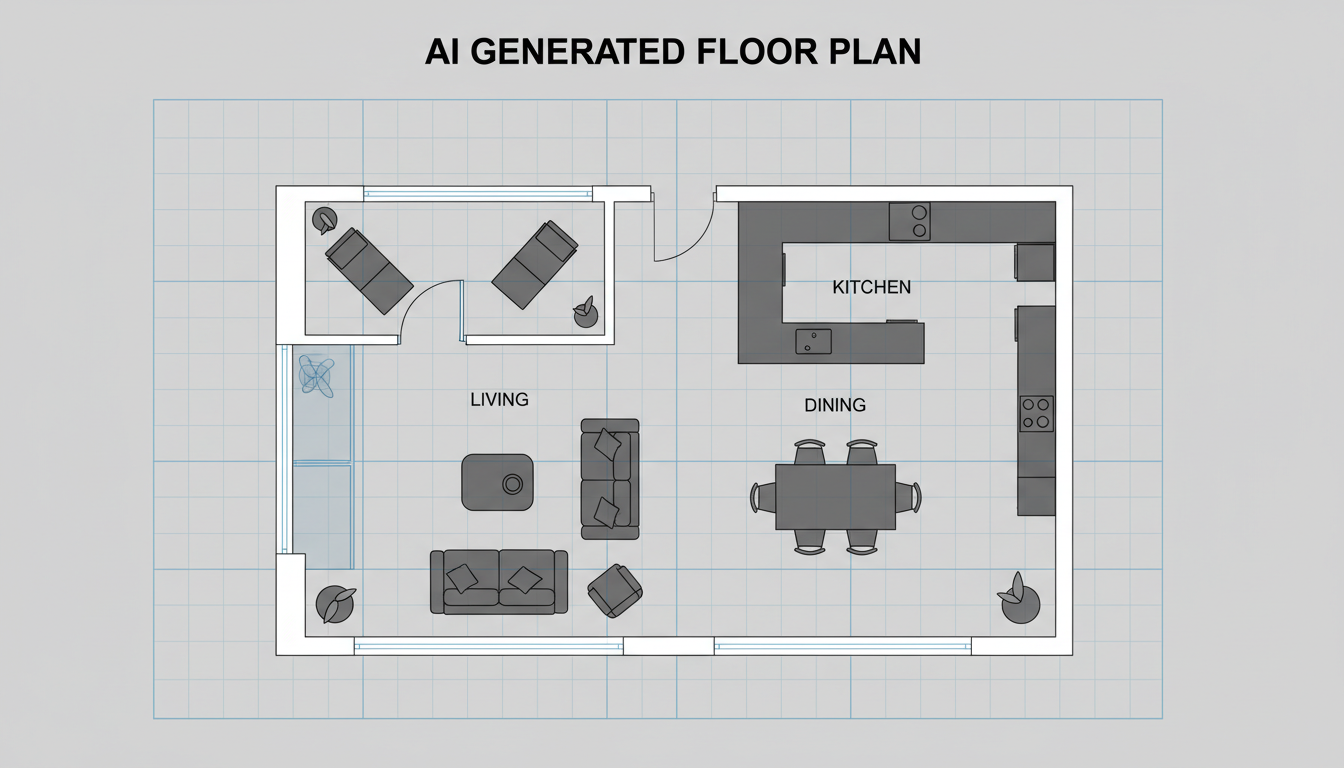


Revolutionize Your Design Process with Our Custom Floor Plan Builder

Instant 2D Floor Plan Generation
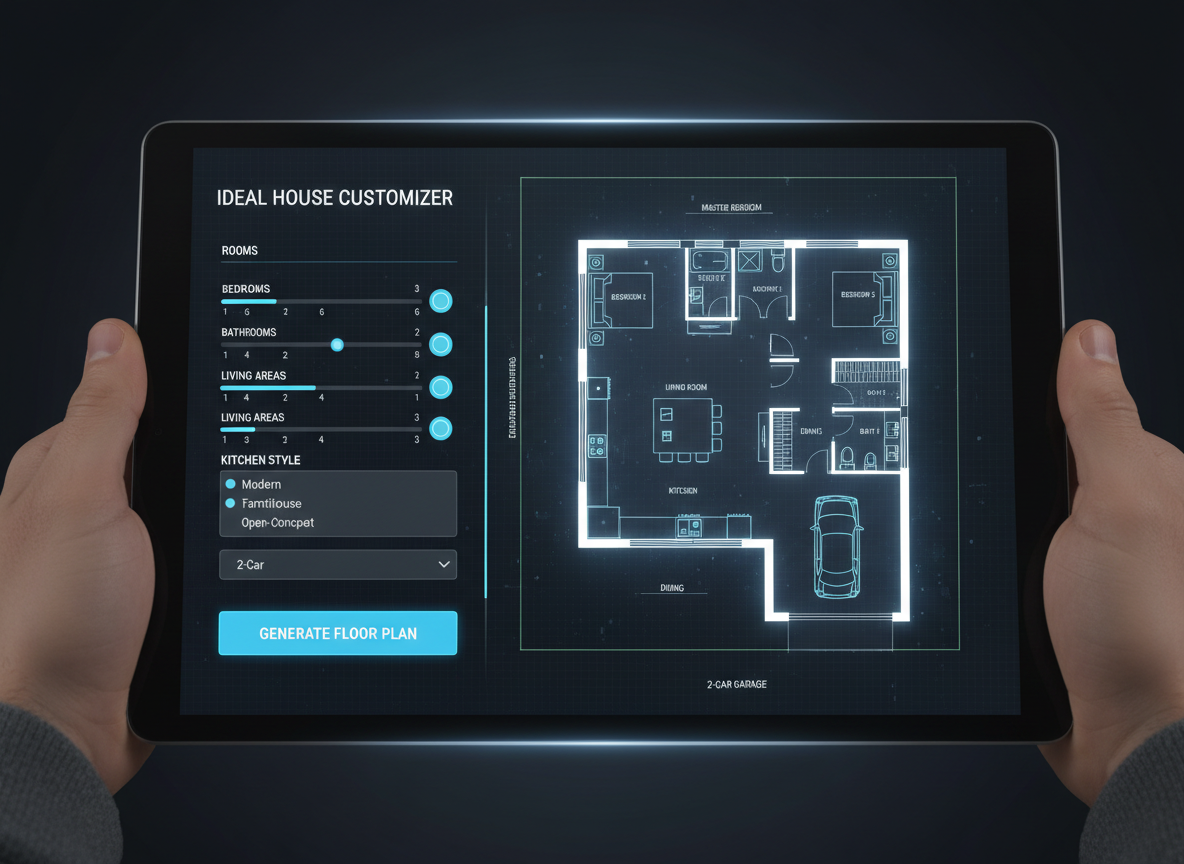
Say goodbye to tedious manual drafting. Our AI floor plan maker allows you to generate high-quality 2D floor plans almost instantly. Simply input your preferences for bedrooms, bathrooms, kitchen style, and gross area, and watch as our custom floor plan builder creates a clear, detailed layout. This rapid generation capability is perfect for quick iterations and visualizing multiple home design possibilities.
Tailored Designs with Smart Parameters
As a leading custom floor plan builder, Ideal House offers unparalleled customization. Dial in specific parameters like 0-4 bedrooms, 1-3 bathrooms, and choose between open or closed kitchen layouts. Define your desired gross area range to guide the architectural drawing tool, ensuring the output aligns perfectly with your vision for the property layout. This precise control makes it an indispensable space planning tool.
Enhance Listings & Client Presentations
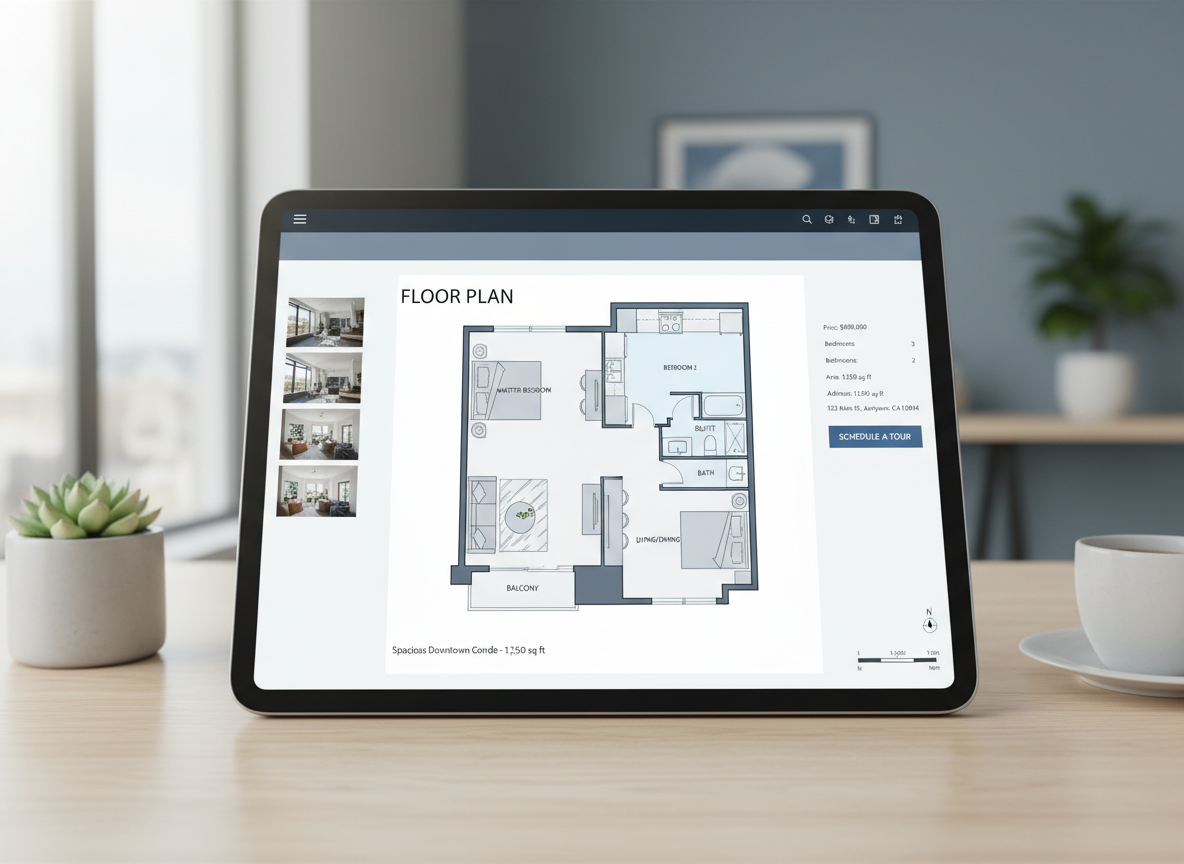
For real estate and interior design professionals, our custom floor plan builder is a game-changer. Generate professional, consistent 2D real estate floor plans for listings, helping buyers visualize the property flow effortlessly. Use the virtual floor planner to present various room layout ideas to clients, iterating in real-time to meet their needs. This home design software elevates your presentations and accelerates decision-making.
Save and Compare Designs with Ease
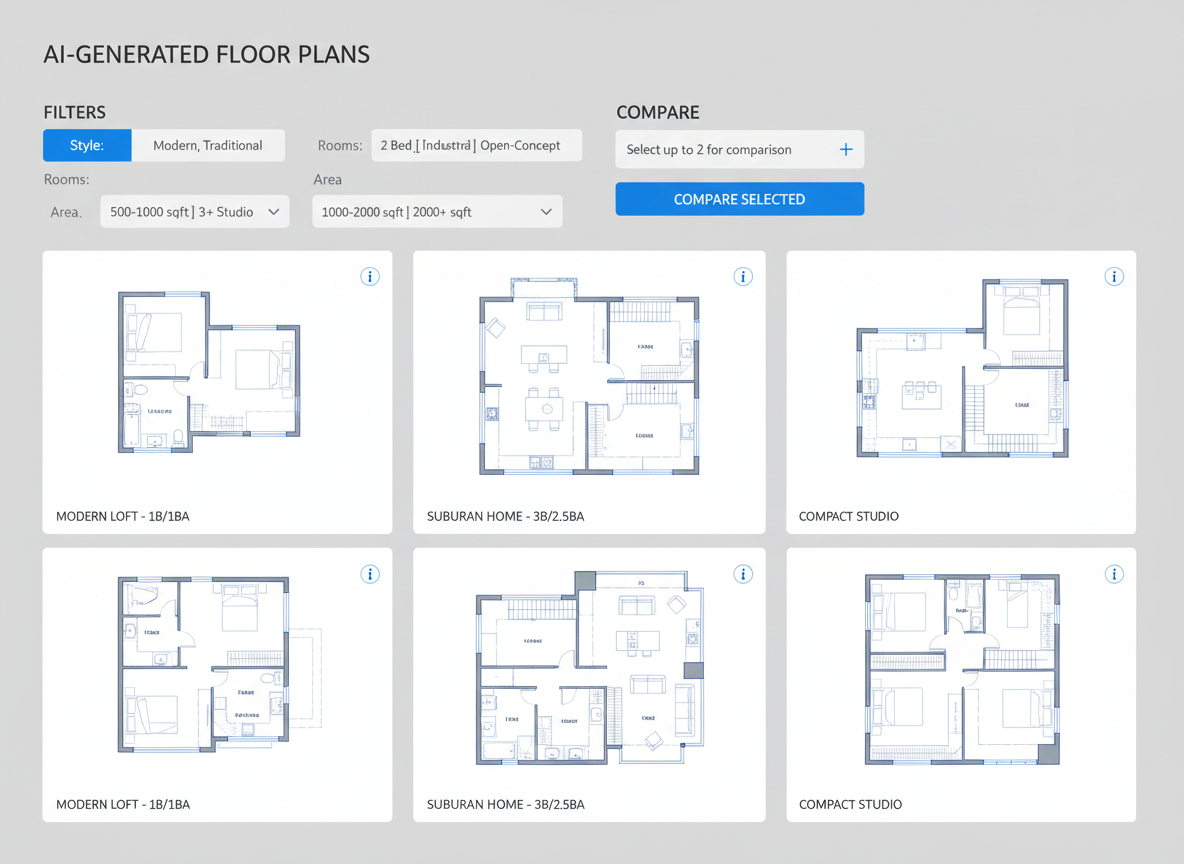
Every floor plan you generate is automatically saved in your Generation History. Our intuitive filtering and viewing options allow you to compare multiple drafts side-by-side, making it easy to select the perfect design. Whether you're a homeowner exploring options or a contractor aligning scope, this feature of our custom floor plan builder ensures you always pick the best layout, optimizing your home remodel planning.

Who Benefits from Our Custom Floor Plan Builder?

Homeowners & DIY Enthusiasts: Quickly visualize renovations or new builds.

Interior Designers & Decorators: Develop concepts and present room layout ideas efficiently.

Real Estate Agents & Brokers: Create compelling 2D real estate floor plans for listings.

Contractors & Builders: Align project scope and discuss options with clear architectural drawings.

Build Your Custom Floor Plan in 5 Simple Steps
1
Set Rooms: Choose the number of bedrooms (0-4) and bathrooms (1-3) to begin defining your layout.
2
Choose Kitchen Style: Decide between an open or closed kitchen layout, influencing the flow of your living spaces.
3
Pick Gross Area: Select your desired size range to guide the AI in creating an appropriately scaled custom floor plan.
4
Add Extras: Multi-select features like a walk-in closet, home office, or balcony to refine your space planning.
5
Generate & Review: Click 'Generate' to see your new 2D floor plan. Review it in the preview panel and your history, then download or share your perfect design.
FAQs About Our Custom Floor Plan Builder
How does the AI create a custom floor plan from my selections?
Our AI floor plan maker translates your specifications—bedrooms, baths, kitchen type, gross area, and extras—into a logical 2D floor plan by applying established adjacency and circulation rules. Each generation offers a fresh concept, acting as a smart layout planner.
What specific ranges and defaults are available?
You can select 0-4 bedrooms (default 2), 1-3 bathrooms (default 1), and an open or closed kitchen (default open). Gross Area offers several bands to match your target size, and you can multi-select various extras for personalized interior layout design.
How does 'Gross Area' affect the custom floor plan?
The selected Gross Area range guides the overall scale of your 2D floor plan, ensuring that rooms and corridors are proportioned appropriately for the chosen footprint, leading to more realistic and functional designs. It's crucial for effective space planning.
What's the difference between an open and closed kitchen layout?
An open kitchen promotes a continuous sightline and seamless flow into living and dining areas, ideal for modern living. A closed kitchen creates a distinct, separate cooking zone, often preferred for traditional layouts or containing cooking odors. Our custom floor plan builder accommodates both preferences.
Can I compare different versions of my floor plan?
Absolutely! Every 2D floor plan generated is saved in your 'Generation History'. You can easily filter by 'Created with AI Floorplan' and use grid or list views to compare multiple design iterations side-by-side, helping you make informed decisions.
Explore More Ideal House Design Tools
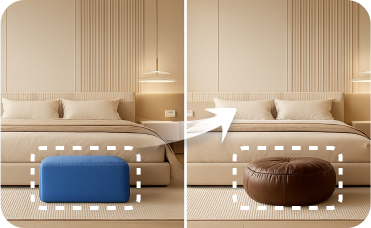
Smart Replacer
Fine-tune your design by changing specific details like light fixtures, artwork, or window treatments to perfectly match your rustic French decor.

Magic Editor
Fine-tune your design by adding or changing small details, like light fixtures or decorative accents, for a perfect finish.

Image to Video
Create dynamic video walkthroughs and reveals of your newly designed beach-inspired home decor.
Ready to Design Your Space?
Experience the fastest, most intuitive custom floor plan builder available. Generate professional 2D floor plans with Ideal House today!
Generate My Floor Plan
💰 Получите 10% комиссии как партнер Ideal House.
Присоединяйтесь к нам